FLUX.2 klein (compact)
0.5 Wh
Consumption
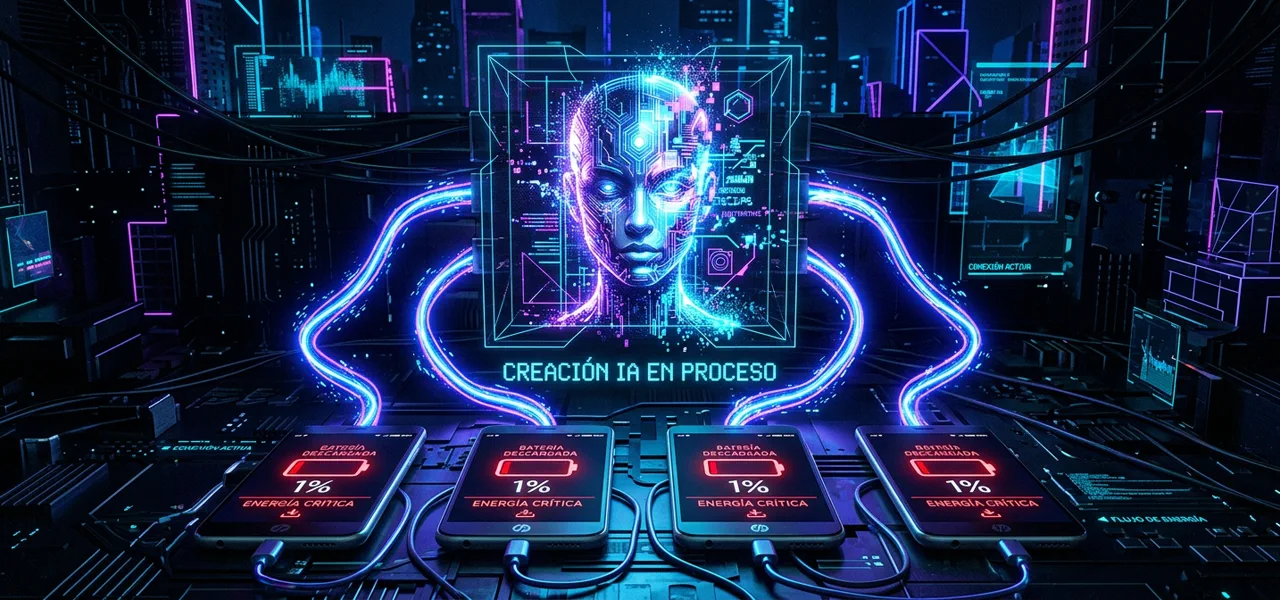
Why generating images with AI costs between 3 and 33 times more energy than a text query — and what you can do about it
Generating a single image with GPT-4o can consume up to 10 Wh — the same energy as charging your smartphone 4 times. And the difference between the most efficient and the least efficient model is x 46.
An AI-generated image consumes between 0.5 and 10 Wh depending on the model — between x 3 and x 33 more than a text query. The heaviest model consumes 46 times more than the lightest for similar quality. Choosing the right model, lowering resolution when it doesn't matter, and avoiding unnecessary regenerations are the most impactful decisions.
x 46
Difference between the most and least efficient model
x 3-x33
Multiplier vs text query (0.3 Wh)
0
Image providers that publish actual Wh
Up to 10 Wh for a single image. That’s what generating an image with GPT-4o in highest quality mode can consume — the same energy as charging your smartphone 4 times. And most people do it without knowing, several times a day.
While a text query to an AI model consumes around 0.3 Wh as a reference, generating an image costs between 3 and 33 times more. And the difference between choosing one model or another can be 46 times.
Not all image generators consume the same. Bertazzini et al. measured 17 diffusion models on standardized hardware and found brutal differences. Cross-referencing their data with the most reliable estimates available in 2026, here’s the landscape:
1.64 Wh. That is the most solid reference number that exists for generative image: SDXL measured on H100 by the AI Energy Score. Everything else is estimates.
To put it in context, a single AI image is equivalent to:
It seems like little. But multiply by the number of times you regenerate until you’re happy with the result. If you need 10 iterations to reach the final image with Midjourney v8, you’ve consumed 30 Wh — the equivalent of two smartphone charges.
The real cost of an AI image isn’t generating it once. It’s generating it ten times until you like it.
If you need an image for a draft, an internal presentation, or a prototype, a compact model like FLUX.2 klein or Midjourney’s draft mode consumes 10–20 times less than GPT-4o at maximum quality. Save the heavy models for the final output.
Every “try” generates a complete image from scratch. Refine the prompt before generating. Use fixed seeds to iterate on variations. A well-defined prompt can save you 5–8 regenerations — and multiply your efficiency by the same factor.
Resolution scales consumption non-linearly. Generating at 512x512 consumes significantly less than at 1024x1024. If the image is going to a thumbnail, a social post, or a wireframe, maximum resolution is pure energy waste.
If you’re a regular AI image user: Use our footprint calculator to estimate your monthly consumption. And remember: draft mode or compact models cover 80% of use cases at a fraction of the cost.
If you lead a creative team: Establish a usage policy: lightweight model for iteration, heavy model only for the final deliverable. This can reduce your team’s consumption by 70–80% without affecting output quality.
If you’re a developer: Integrate efficient models by default in your pipelines. FLUX.2 klein for previews, larger models only when the user explicitly requests high quality. The user rarely needs 1024x1024 for a first look.
Related
Inventario forense de todo lo que sabemos — y lo que no — sobre la energía que consume la inteligencia artificial
La guía definitiva del consumo energético por modelo y modalidad en 2026
Our calculator helps you put queries, images, reasoning and agents into context.
Open calculator